A smiling hairstylist touches up her client’s blonde waves as both smile into the styling mirror
FindTime for Salons, Spas & Wellness

Run your salon's day from one front desk

Clients book online around the clock, and one front desk runs the day, from walk-ins to payment and tips. FindTime takes no cut of your sales.

Scheduling shouldn't be the hard part

Stop losing time to back-and-forth emails. Here's how FindTime eliminates the friction.

✗

The desk can’t see which stylist is free

The Front Desk shows every stylist’s day side by side, so you book the gap in one click.

✗

Walk-ins clash with booked clients

Book the slot happening right now from live availability, so walk-ins fill the gaps instead.

✗

Clients call mid-appointment to book or cancel

Clients book online, with a reschedule/cancel link in every confirmation, so the phone stays quiet.

✗

Checkout needs a separate card terminal app

Take payment at the desk or on the client’s phone, so you skip a separate terminal and its fees.

✗

Tips, promos and receipts are tracked by hand

Tips, promo codes and receipts are handled at checkout, so the day adds up without a spreadsheet.

✗

Each location needs its own booking page

One landing page lets clients pick a branch, so you run every location from one account.

Built for how you actually work
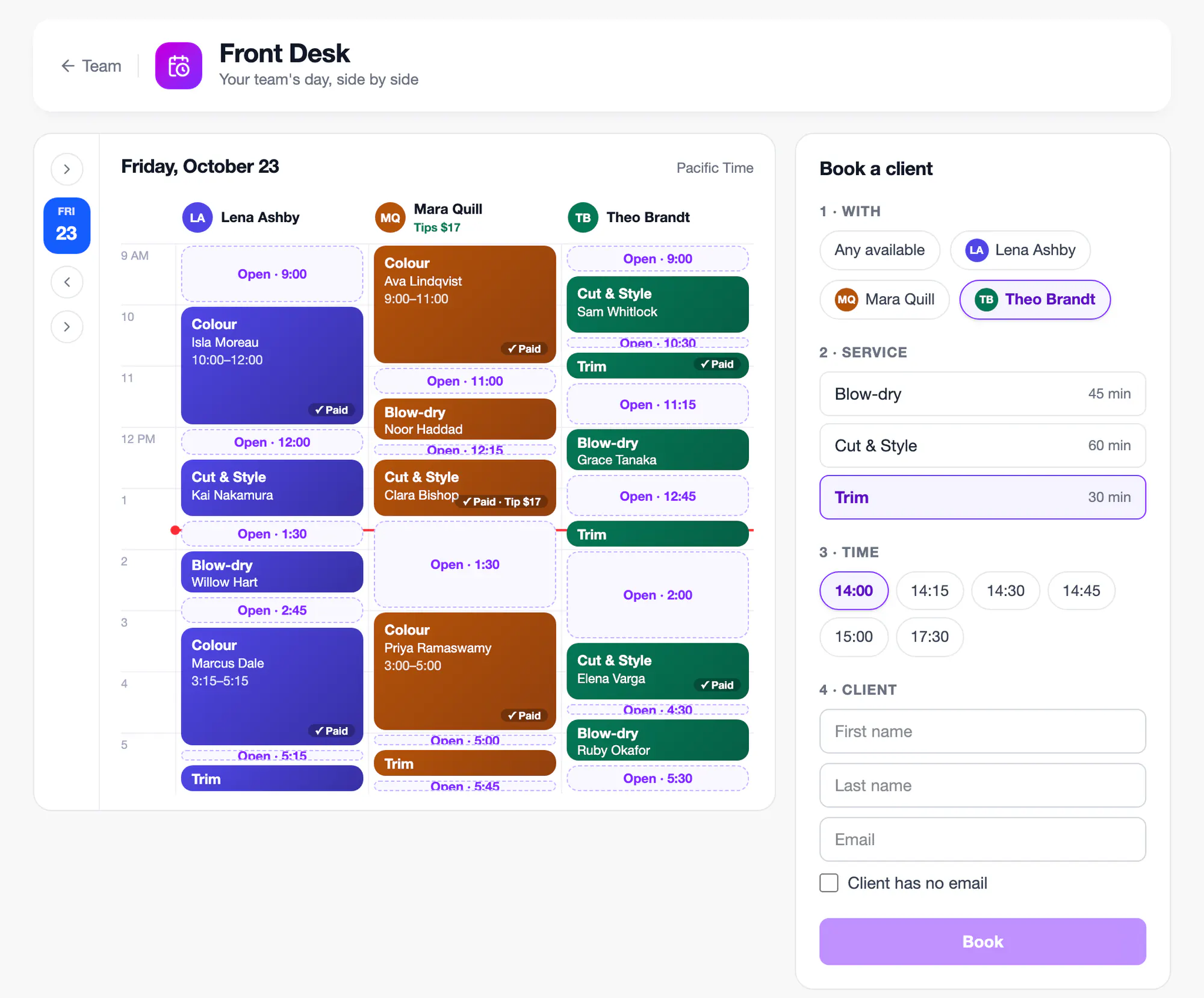
The FindTime Front Desk on sample data: three stylists’ days side by side with appointments, paid badges, a tip and open time, beside the Book a client form

The Front Desk: Every Stylist’s Day Side by Side

Checking each stylist’s book for a free slot slows the desk down. The Front Desk shows every stylist’s day side by side, so reception fills every gap without flipping between calendars.

  • Book an open gap, or let FindTime pick a stylist
  • Walk-ins: book the slot happening now
  • Book clients who have no email
A spa receptionist books a client appointment in the calendar on her front-desk computer

Take Payment and Tips at the Desk

A separate card terminal app means another login, another fee and more numbers to reconcile. Type the card in at the desk, let the client pay on their phone, or collect at the visit, and the money lands in your own account.

  • Payments go straight to your own Stripe account
  • No FindTime fee on your sales; Stripe’s card fees apply
  • Tips per stylist, even after online payment
  • Receipts emailed from your business, or printed
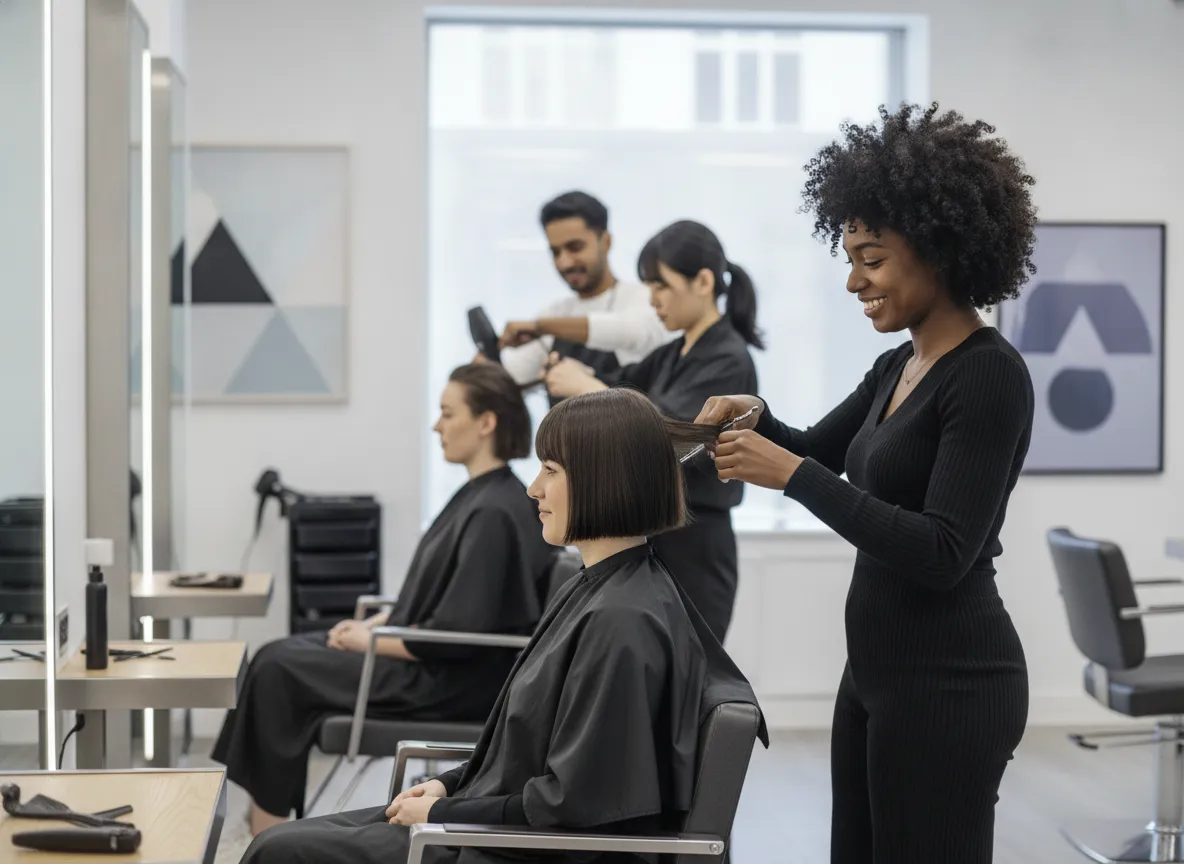
Three stylists working with clients at their stations in a modern salon

Products, Sales and Promo Codes

Price lists on paper and discounts made up at the desk lead to mistakes at checkout. Keep your services and prices in FindTime, run sales and promo codes within limits you set, and see what each one cost you.

  • Sales: percent or amount off, between two dates
  • Promo codes online and at the desk
  • Staff discounts capped at your limit, with a reason
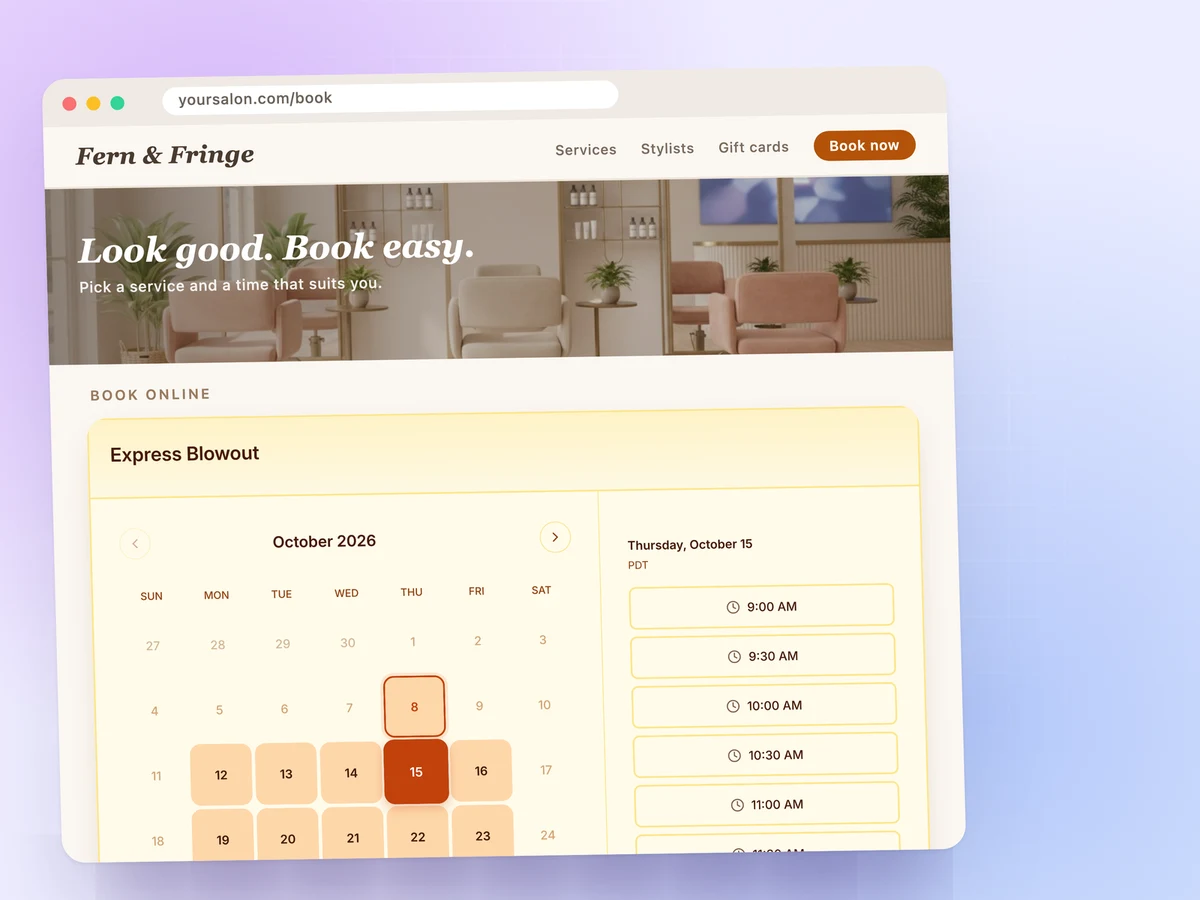
A salon website with the FindTime booking calendar embedded on its booking page

Online Booking for Every Service

Clients who can only book by phone wait until someone picks up. Online, they choose a service, a stylist and a time and pay as they book, so bookings come in while your team works, without the phone ringing.

  • Unlimited service types, each with its own duration and buffer
  • Prepaid booking through your Stripe account
  • A named stylist or the next one free
  • Embed it on any website
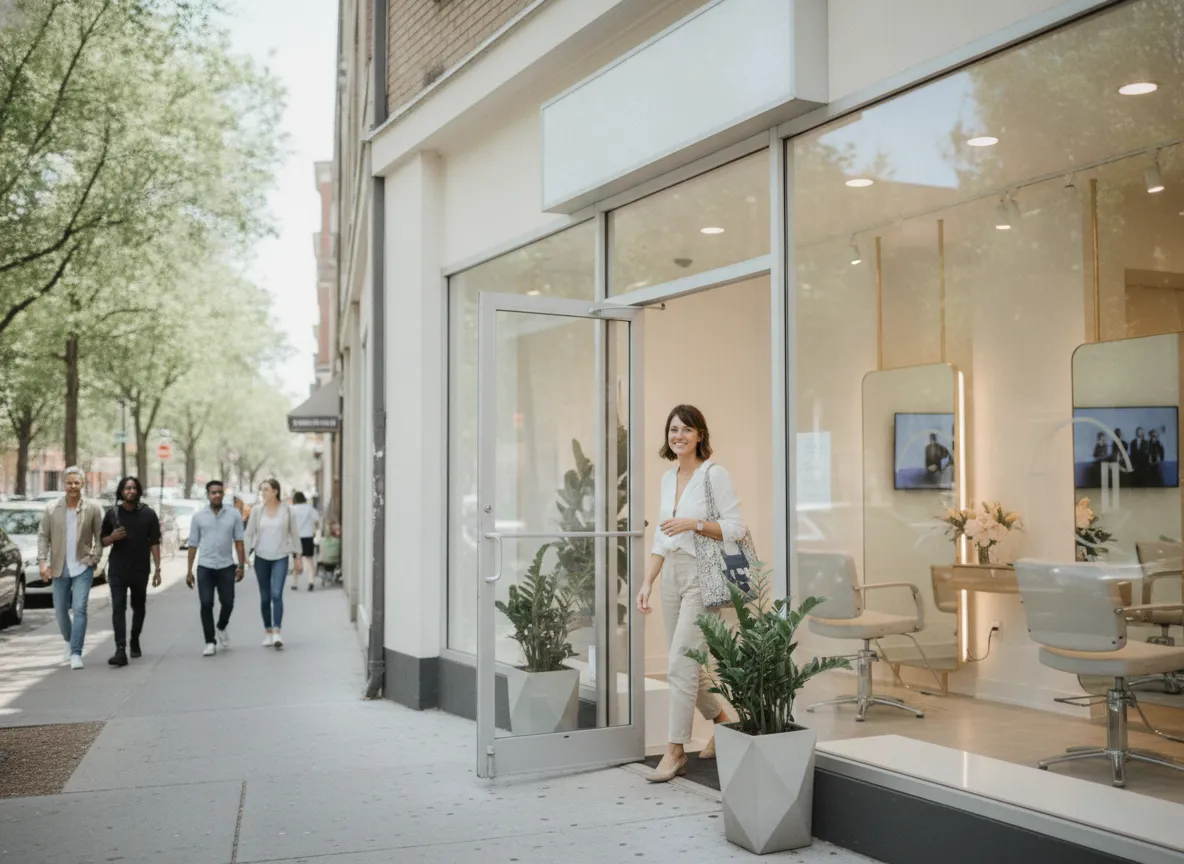
A client steps out of a bright boutique salon storefront on a tree-lined street

Multi-Location Landing Pages

Run more than one salon, spa or wellness location? Clients choose their location on one landing page and book a team member there, and one team runs every location from one place.

  • One shareable link for all your locations
  • Each location has its own team, services and schedule
  • Switch locations at the desk, or see them all

Frequently asked

  1. The FindTime Front Desk is one screen for reception, with a column per stylist showing their appointments and open time. Staff book, reschedule and cancel, fit in walk-ins, and take payment and tips. Desk bookings use the same live availability as your online booking page, so nothing is double-booked.

  2. No. FindTime takes no fee or commission, and payments go straight to your own Stripe account, where Stripe's card fees apply. There's no card reader yet, so desk cards are typed in or paid on the client's phone, and cash isn't recorded.

  3. Turn on tips and choose the percentages clients see. They tip when they pay at the desk or on their phone, or after the visit if they paid online. The Front Desk shows each stylist's tips for the day, so you know what each stylist earned.

  4. Yes. Run a sale on chosen services between two dates, or create promo codes clients use online or staff enter at the desk. Staff discounts stay within a limit you set, so a promotion never costs more than you planned.

  5. Yes. FindTime emails a receipt from your business name for every payment, tip and refund. At the desk you can print it, which suits walk-ins who didn't give an email.

  6. Clients book online around the clock, choosing the service, stylist and time without calling. Each confirmation carries a calendar invite and a link to reschedule or cancel. You keep filling the book while your team stays with clients.

  7. Yes. Each service in FindTime has its own length and optional cleanup buffer, so a 30-minute cut and a 2-hour color each get the right block. Clients only see times long enough for what they booked.

  8. Online booking with unlimited services works on every FindTime plan. Prepaid online booking starts on Professional ($8/mo). Booking a named stylist or the next one free, and multi-location landing pages, need Teams ($15/user/mo). The Front Desk, with payment at the desk, tips, sales and promo codes, is an add-on to Teams: it costs $29/mo for the whole team, not per stylist or location, with a 30-day free trial from the owner's first Teams plan.

  9. Yes. Every FindTime plan starts with a 14-day free trial, and the Front Desk add-on has a 30-day trial. There's no permanent free tier, so paid signup is required from day 15.

  10. Yes. Each stylist connects Google Calendar or Microsoft Outlook (Office 365 and Exchange), and FindTime reads their availability live. Online booking and the Front Desk only offer times that stylist is free.

Your chair should always be full

Let clients book online around the clock, and run the day at the desk with payments, tips and receipts in one place.

Free 14-day trial
Cancel anytime
Full feature access
Get started free